














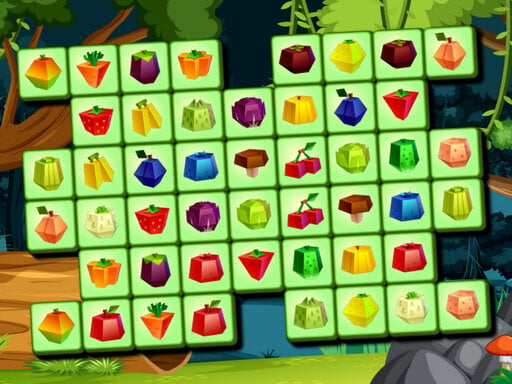

Fruits Mahjong
Fruits Mahjong offers a refreshing and accessible gaming experience for enthusiasts of puzzle games. This browser-based title takes advantage of HTML5 technology to ensure smooth performance across various devices without the need for downloads or registrations. The game remains functional within the browser, featuring straightforward elements and avoiding unnecessary complexity.
Gameplay Focus
Players can interact with Fruits Mahjong using common input methods, such as mouse, keyboard, or touch controls, which vary based on the device in use. The game prioritizes direct interaction, ensuring consistent performance across multiple sessions and devices. Its design caters to both brief visits and extended gameplay sessions, allowing for easy return to the game.
What Stands Out
Fruits Mahjong stands out for its ease of access and versatility. As a browser-based game, it can be accessed at any time via a web browser, offering a range of benefits. The absence of download or registration requirements makes it easy to return to the game. The game's simplicity and straightforward design also make it an attractive option for players seeking a hassle-free experience.
Helpful Tips
For a smooth experience, it is advisable to use the most suitable input method for your device. This will ensure that you can interact with the game efficiently and make the most of its features.
FAQ
Can I play Fruits Mahjong without downloads or registrations?
Yes, Fruits Mahjong is a browser-based game that functions seamlessly within the web browser, eliminating the need for downloads or registrations.
How do I access Fruits Mahjong?
You can access Fruits Mahjong at any time via a web browser, catering to both brief visits and extended gameplay sessions.
Does Fruits Mahjong support multiple players?
Fruits Mahjong is a game that can be enjoyed by one or two players, providing a range of options for different playstyles.
What kind of controls can I use to play Fruits Mahjong?
Players can interact with Fruits Mahjong using common input methods such as mouse, keyboard, or touch controls, which vary based on the device in use.
About this game
- Supported devices
- Desktop
- Genre
- Puzzle Games
- Release date
- 26 September 2024
- Latest update
- 26 September 2024
- Rating
- No ratings yet
Spartan Mahjong

Hats Mahjong Connect
Fish Connections
Aqua Link
Mahjong Tiles Christmas
Mahjong Fishing Combats
Fantasy Triple Mahjong

Fry Skibidi

Cat Drop

FLAG CONNECT
Epic Blocollapse
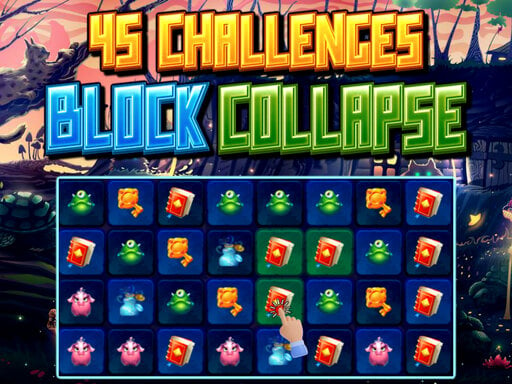
45 Challenges Block Collapse
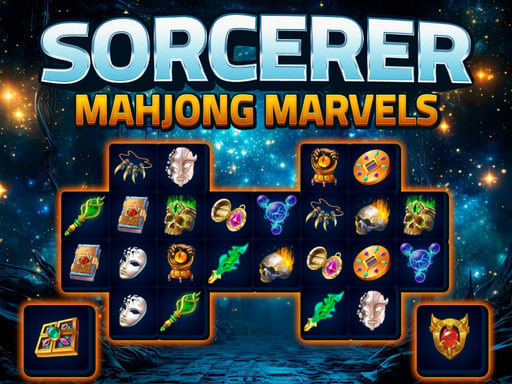
Sorcerer Mahjong Marvels

Prison Eskape
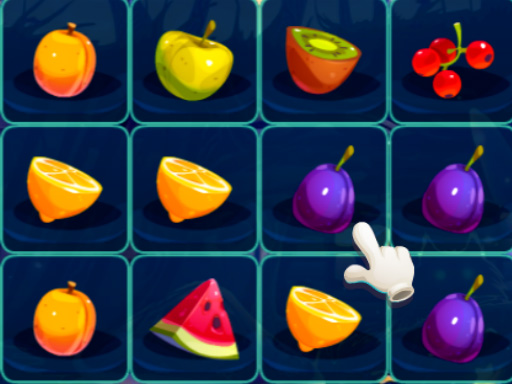
Fruit Blocks Puzzles
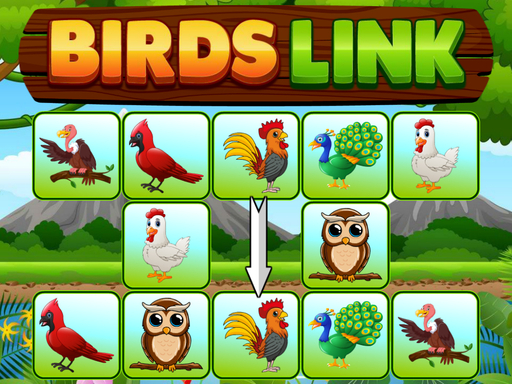
Birds Link
Winter Connect
Blocky Magic Puzzle
1010 Golden Trophies
Fruits Solitaire
Mahjong Dogs

Cookie Baker
Fishing Puzzles
Numblocks Solitaire