














Stacking Colors
Explore the world of online gaming with Stacking Colors, a free browser game that requires no downloads or registration. This title is perfect for those looking for a quick gaming fix at any time, with no hassle of installation or account creation. Enjoy seamless interaction and a consistent format that works across different devices.
Gameplay Focus
Stacking Colors is a straightforward browser-based game that uses standard input methods like mouse, keyboard, or touch controls. The game's structure avoids complex systems, focusing on direct interaction that allows for consistent gameplay across different sessions and devices.
What Stands Out
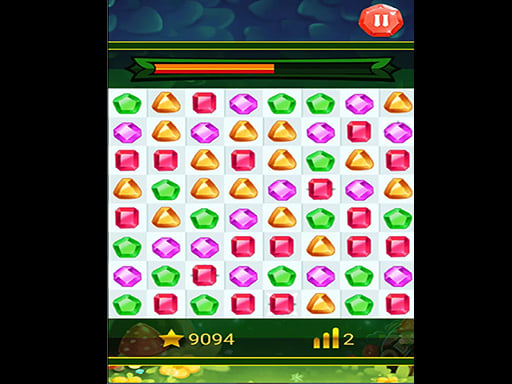
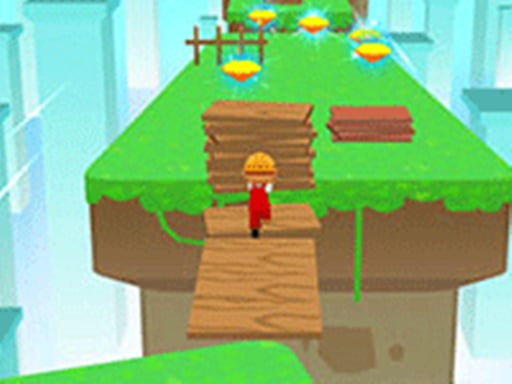
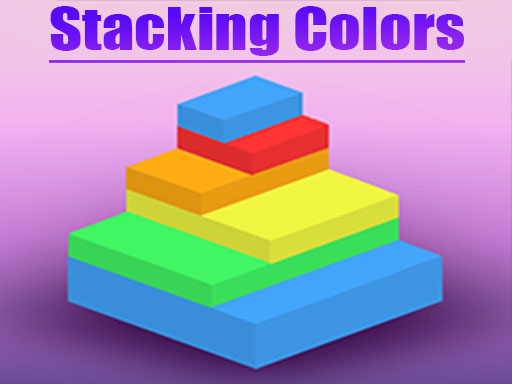
What sets Stacking Colors apart is its endless gaming experience, providing an arena of possibilities with each playthrough. With its simple yet engaging gameplay, this title is sure to keep you engaged in a 3D world of color stacking.
Helpful Tips
For a smooth gaming experience, use touch controls for a more immersive feel. You can also switch between keyboard and mouse controls to suit your preference.
FAQ
How do I access Stacking Colors?
Access Stacking Colors through a web browser at any time, making it suitable for both short visits and longer sessions.
What if I want to play more games like this?
Additional browser-based games are available on freecrazygames.io, where games are organized for easy access within the same platform.
What makes Stacking Colors suitable for short visits?
Stacking Colors can be played directly in a web browser, allowing for quick and easy access at any time, making it perfect for short visits.
Can I play Stacking Colors on different devices?
Yes, Stacking Colors operates entirely within the browser and presents its elements in a clear and consistent format, working the same way across different devices.
About this game
- Supported devices
- Desktop
- Genre
- Arcade Games
- Release date
- 26 September 2024
- Latest update
- 26 September 2024
- Rating
- No ratings yet